
Screenshots
High-resolution screenshots captured directly from active Tasklynx sessions. All image assets are stored in Screenshots/.
Web dashboard
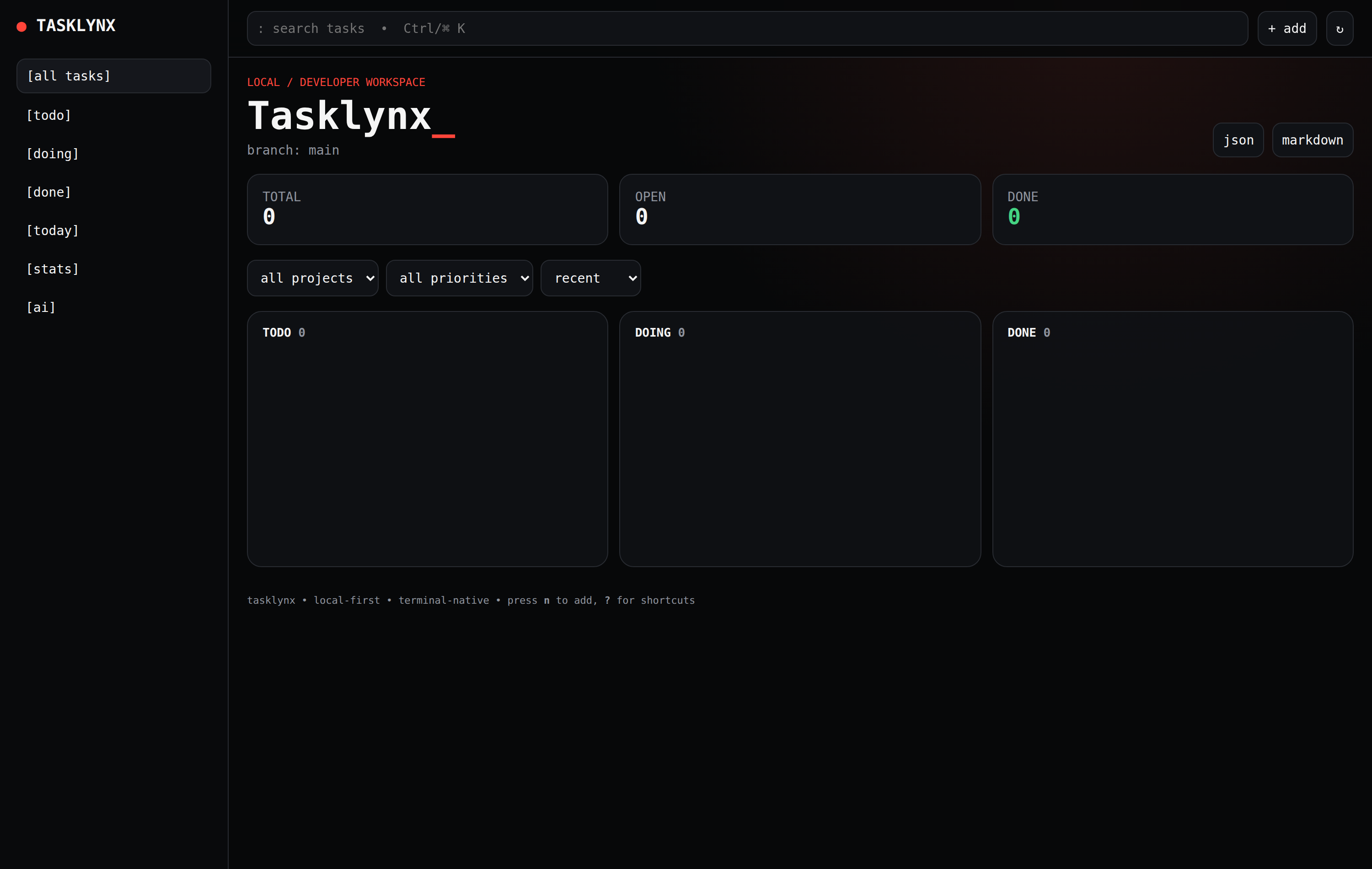
The responsive browser dashboard served by tx web at http://127.0.0.1:8787, displaying real-time metrics, project filters, and drag-and-drop columns.
Task creation & editing modal
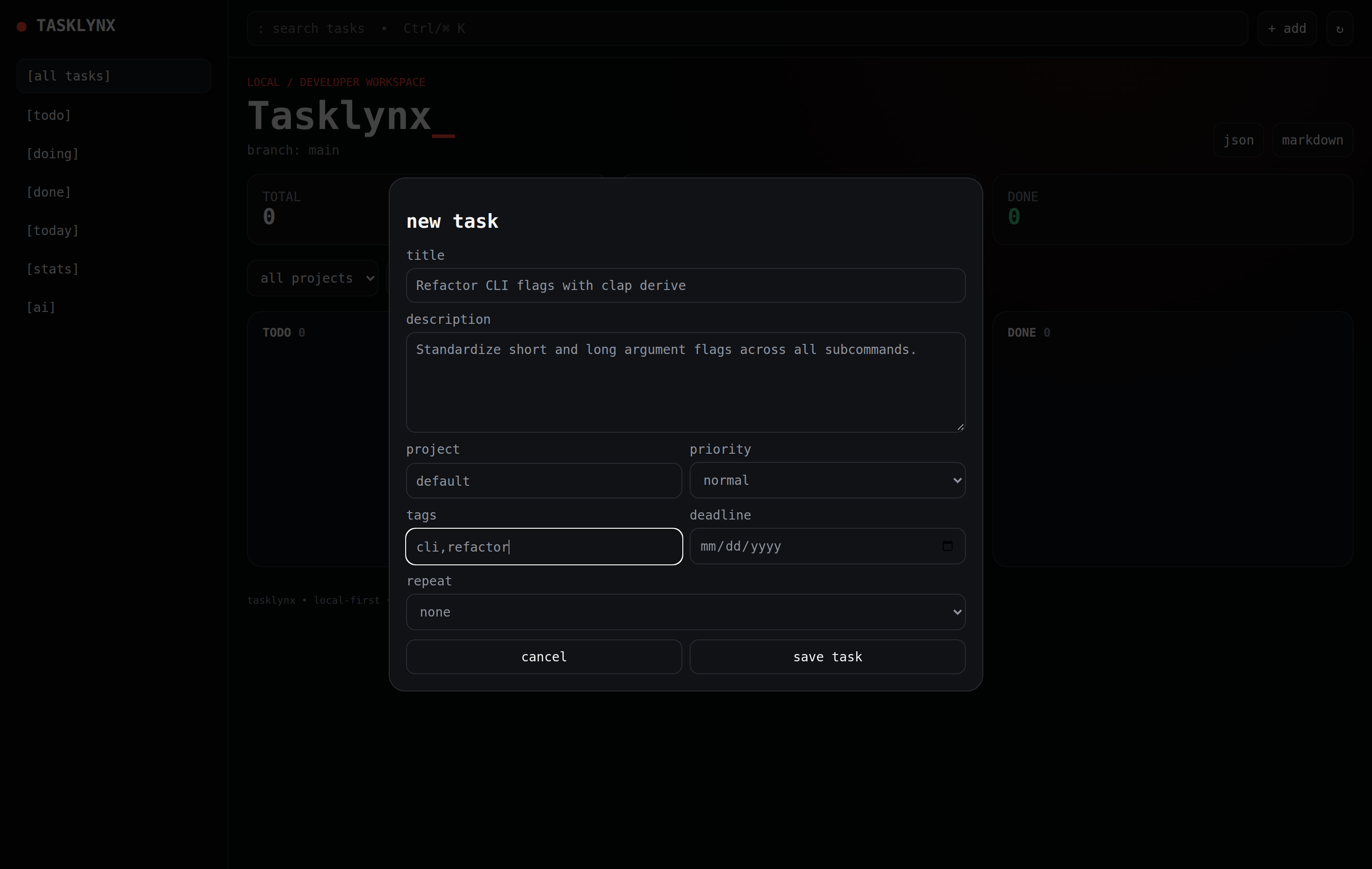
The task modal in tx web for creating and editing tasks with priorities (urgent, high, normal, low), deadlines, and comma-separated tags.
Kanban board view
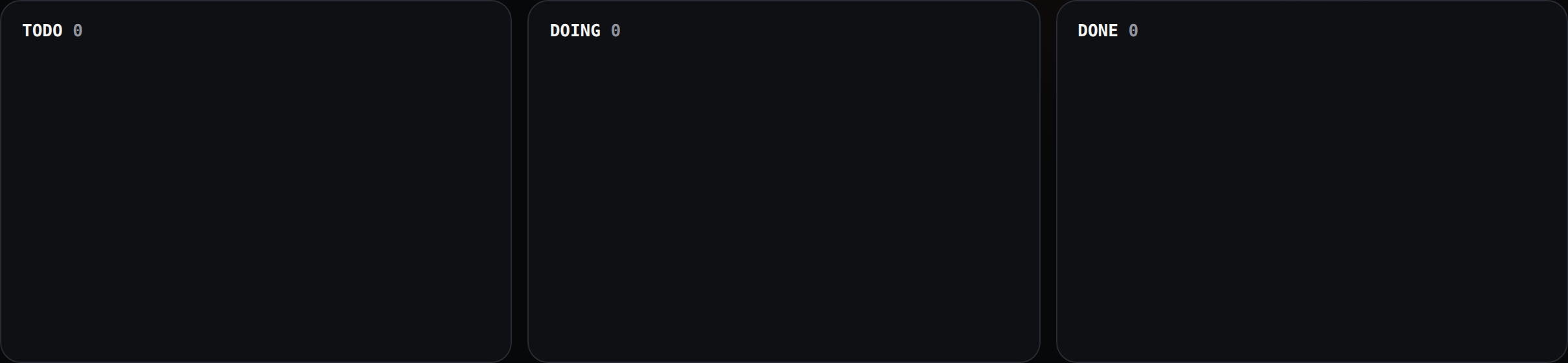
The three-column workflow board (TODO, DOING, DONE) with color-coded priority badges and metadata tags. Also accessible in the terminal via tx board.
Automated screenshot capture
Tasklynx includes automated tooling in tools/capture_real_screenshots.js and a GitHub Actions workflow .github/workflows/screenshots.yml that automatically spins up an ephemeral tasklynx web server and captures pixel-perfect high-DPI screenshots using headless browser automation.
The automation supports multiple browser drivers:
- Chromium / Google Chrome: Headless browser rendering at 2x device pixel ratio.
- Puppeteer & Puppeteer-Core: Fast programmatic viewport capture and interaction.
- Playwright & Playwright-Core: Cross-browser validation and automated UI test flows.
- Chromedriver: Standard W3C WebDriver automated testing.
To capture screenshots locally:
cargo build --release
cd tools
npm install
npm run screenshots